
Rabbit Woo Extras Pro Documentation
Everything you need to get started
Welcome to the Rabbit Woo Extras Pro documentation.
Whether you’re replacing the standard WooCommerce Add to Cart button, building product enquiry forms, creating conditional calls to action or managing customer enquiries, you’ll find everything you need here.
Rabbit Woo Extras Pro is designed to give you greater control over how customers interact with your WooCommerce products, without requiring custom development for every product or category.
Current version: Rabbit Woo Extras Pro 1.2.1
Quick Start
Want to get up and running quickly?
The basic setup takes just a few minutes.
1. Install Rabbit Woo Extras Pro
Upload the plugin through:
WordPress Dashboard → Plugins → Add New → Upload Plugin
Activate Rabbit Woo Extras Pro once installation has completed.
2. Activate your licence
Go to:
WooCommerce → Rabbit Woo Extras → Licence & Updates
Enter the licence key supplied through your Host My Rabbit account and activate it against your website.
An active licence gives you access to automatic plugin updates and future Rabbit Woo Extras Pro releases.
3. Configure your global settings
Open:
WooCommerce → Rabbit Woo Extras
From here you can configure the default behaviour for your WooCommerce products.
You can choose to:
- Keep the standard Add to Cart button
- Replace Add to Cart with an enquiry form
- Use the built-in Custom Form Builder
- Display a WhatsApp enquiry button
- Link to a custom quotation or booking page
- Hide the product CTA completely
- Hide prices
- Add product badges
- Add text beneath product titles
- Display availability information
- Add custom product tabs
4. Override individual products when needed
Every WooCommerce product includes its own Rabbit Extras settings.
This means your global settings can apply across the store while selected products behave differently.
For example:
Standard T-Shirt
Normal Add to Cart
Bespoke Dining Table
Request a Quote
Wedding Venue Hire
Built-in Enquiry Form
Made-to-Order Sofa
WhatsApp Enquiry
Product Extras
Rabbit Woo Extras Pro gives you additional controls over the standard WooCommerce product page.
Replace Add to Cart
Turn a standard WooCommerce product into an enquiry, quotation or booking product.
Available CTA types include:
- Normal Add to Cart
- Shortcode Form
- Built-in Custom Form
- Custom Link
- Hide CTA
The selected CTA can be controlled globally, by category, through conditional rules or for an individual product.
Built-in Custom Form Builder
Rabbit Woo Extras Pro includes its own lightweight product enquiry form builder.
You do not need Gravity Forms, Contact Form 7, WPForms or another form plugin for straightforward enquiries.
Available field types include:
- Text
- Telephone
- Textarea
- Select
- Number
- Date
- Checkbox
Each field can have its own:
- Label
- Field key
- Placeholder
- Required setting
- Full or half-width layout
- Select options
Product details are automatically attached to the enquiry, including the product name, product ID, product URL and customer information where available.
Submitted enquiries are stored directly inside the Rabbit Woo Extras enquiry dashboard.
Conditional Product Rules
Not every product needs to behave in the same way.
Rabbit Woo Extras Pro includes a flexible conditional rules engine that can change the CTA depending on the product being viewed.
Rules can be based on:
- Product category
- Product tag
- Stock status
- Product type
- Sale status
- Minimum price
- Maximum price
For example:
If Product Category = Bespoke Furniture
→ Replace Add to Cart with the Custom Form.
If Product Price is greater than £2,000
→ Hide the price and display Request a Quote.
If Product is Out of Stock
→ Display a WhatsApp enquiry button.
If Product Tag = Made to Order
→ Display additional lead-time information.
Rules can be assigned priorities so more specific conditions take precedence.
Category Rules
Apply the same behaviour across complete WooCommerce product categories.
This is particularly useful for stores with groups such as:
- Made to Order
- Bespoke Products
- Wholesale
- Venue Hire
- Services
- Trade Products
- Price on Request
Parent-category inheritance can also be enabled, allowing child categories to use the same rules automatically.
Product Overrides
Individual products always remain under your control.
From the product editing screen you can override:
- CTA type
- Form
- Form heading
- Form introduction
- Price visibility
- Product badge
- Text beneath the title
- Availability notice
- Custom tab
- WhatsApp behaviour
- Custom links
This gives you a simple hierarchy:
Global Settings → Category Rules → Conditional Rules → Product Override
The individual product override takes final priority.
Product Enquiries
Rabbit Woo Extras Pro includes a dedicated WooCommerce enquiry dashboard.
Go to:
WooCommerce → Rabbit Woo Extras → Enquiries
Enquiries can be managed using statuses such as:
- New
- Contacted
- Closed
Each enquiry includes the associated WooCommerce product and submission details.
Enquiries can also be exported to CSV for use in spreadsheets, CRMs or other business systems.
WhatsApp Enquiries
Give customers a direct route into a WhatsApp conversation.
You can configure:
- WhatsApp telephone number
- Button text
- Pre-filled message
- Product information
- Product-specific overrides
Dynamic product tokens can be included automatically.
For example:
Hi, I’m interested in {product_name}. Can you provide some more information?
The customer’s message can therefore identify the exact WooCommerce product without them having to type it manually.
Gravity Forms Integration
Already using Gravity Forms?
Rabbit Woo Extras Pro can automatically populate Gravity Forms fields with WooCommerce product information.
Available dynamic parameters include:
rwe_product_id
rwe_product_name
rwe_product_url
rwe_product_sku
rwe_product_price
This means one Gravity Form can be used across your entire WooCommerce catalogue while still recording which product generated each enquiry.
Product Display Extras
Rabbit Woo Extras Pro also gives you greater control over the product page itself.
Extra Text Beneath the Product Title
Display useful information immediately beneath the WooCommerce product name.
Perfect for:
- Lead times
- Minimum quantities
- Booking information
- Delivery information
- Trade-only notices
- Made-to-order messaging
Product Badges
Highlight products with labels such as:
Made to Order
Enquire Only
Price on Request
Booking Required
Trade Enquiries
Custom Build
Hide Product Prices
Remove the WooCommerce price from selected enquiry or quotation products.
Availability Notices
Show different messaging before, during or after a configured date range.
Useful for:
- Event availability
- Seasonal products
- Pre-orders
- Venue bookings
- Limited releases
Custom Product Tabs
Add extra WooCommerce product information without editing your theme.
Examples include:
- Specifications
- What’s Included
- Booking Information
- Delivery
- Technical Details
- Frequently Asked Questions
Dynamic Product Tokens
Rabbit Woo Extras Pro supports reusable product tokens in forms, WhatsApp messages and selected content.
Available tokens include:
{product_name}
{product_id}
{product_url}
{sku}
{price}
This allows the same configuration to adapt automatically to whichever WooCommerce product the customer is viewing.
Licence & Automatic Updates
Rabbit Woo Extras Pro licences are managed through Host My Rabbit.
Once your licence is activated, future plugin releases can appear directly inside your WordPress Plugins screen.
You can update Rabbit Woo Extras Pro using the normal WordPress update process without manually downloading every new release.
Your licence is associated with the website on which it is activated.
If you move the website or need to use the licence elsewhere, deactivate the existing site before activating it on the new installation.
Download the Complete User Guide
Prefer having everything in one document?
Download the complete Rabbit Woo Extras Pro User Guide for detailed setup instructions, examples and reference information.
Rabbit Woo Extras Pro User Guide v1.2.1
[Download User Guide]
Need Help?
If something isn’t behaving as expected, check the relevant documentation section first.
We recommend checking:
- Whether Rabbit Woo Extras Pro is up to date
- Whether WooCommerce is active
- Whether your product is inheriting a category or conditional rule
- Whether an individual product override is active
- Whether your licence is active
- Whether your caching system has been cleared after changing settings
Still stuck?
[Contact Host My Rabbit Support]
Build WooCommerce around the way you actually sell
Not every WooCommerce product belongs behind an Add to Cart button.
Rabbit Woo Extras Pro gives you the flexibility to sell standard products, collect quotations, take enquiries, start WhatsApp conversations and build custom customer journeys from the same WooCommerce store.
Try
Launch a ready-made WordPress demo and explore the plugin before you buy.
[Launch Interactive Demo]
[Download the User Guide]
Plugin marketplace
Sharper tools for serious WordPress work.
Explore focused WordPress plugins built for automation, commerce, forms, hosting and custom workflows.
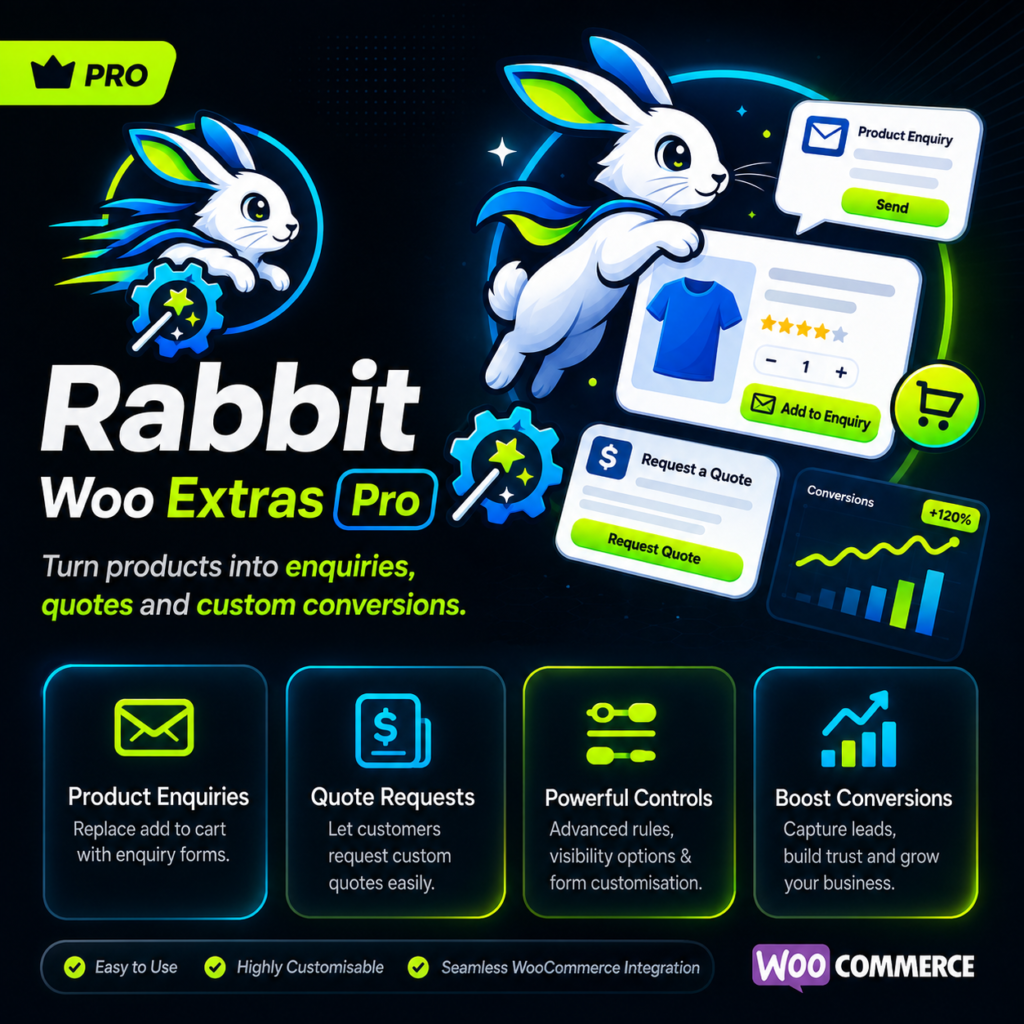
Rabbit Woo Extras Pro
Turn WooCommerce products into enquiries, quotes and booking-style product pages Rabbit Woo Extras Pro gives WooCommerce stores more control over what happens instead…